For streamers and video makers
Yes, you can stream Kraken's Crew, record it, and make money from those videos. You don't need to ask.
That goes for live streams, videos, clips and shorts, on any platform, with ads, memberships, donations or sponsors. Just don't pass the game off as your own, and don't sell the game or its artwork by itself.
Playing with viewers watching
- On a computer, open play.krakenscrew.com and click Create a room.
- Send the room link to your friends. You need 5 to 10 players in total; they join in their browser.
- In the room settings, turn on Streamer mode. You can also switch it in the menu during the game.
What Streamer mode does
- Your cards and the secret results (what the Parrot and the Lookout show you) stay face down. They show only while you hold Space.
- Your role shows only while you hold R. That one works the same with Streamer mode off.
- A “Streamer mode” label sits above the map, so you can see it's on. The browser remembers the setting.
It's there so a secret doesn't sit on your screen all round. It isn't anti-cheat: while you hold the key, your viewers see what you see, and nothing stops a friend in the game from watching your stream. Agree on that with your crew, or add a stream delay.
Streamer mode is in the computer version only: a browser window of at least 1100 × 620 with a mouse. The phone app doesn't have it.
Logo and pictures
 LogoPNG, transparent
 App iconPNG, 1024 × 1024
 The Kraken wakesJPG, 1600 × 900
 Setting sailJPG, 1600 × 900
 The treasureJPG, 1600 × 900
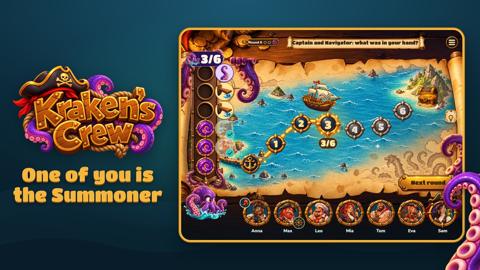 The mapJPG, 1920 × 1080
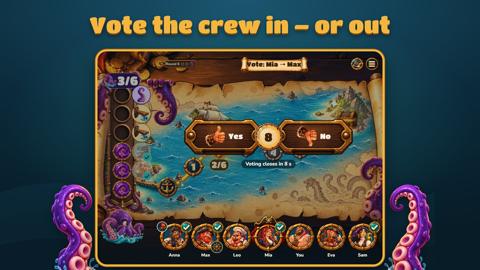 The voteJPG, 1920 × 1080
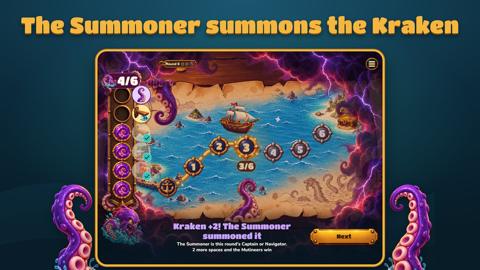 The Kraken summonedJPG, 1920 × 1080
 LogoPNG, transparent
 App iconPNG, 1024 × 1024
 The Kraken wakesJPG, 1600 × 900
 Setting sailJPG, 1600 × 900
 The treasureJPG, 1600 × 900
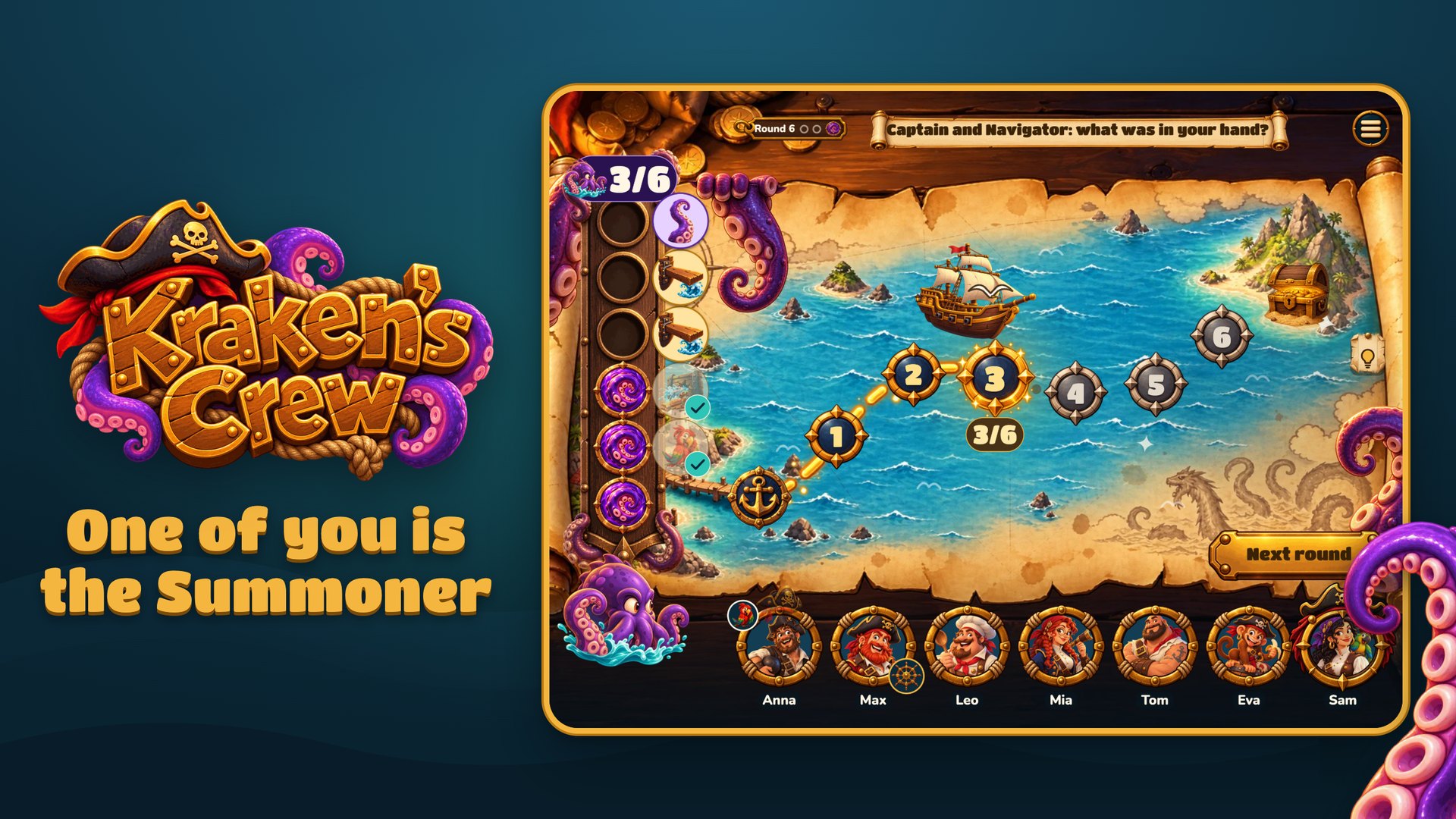 The mapJPG, 1920 × 1080
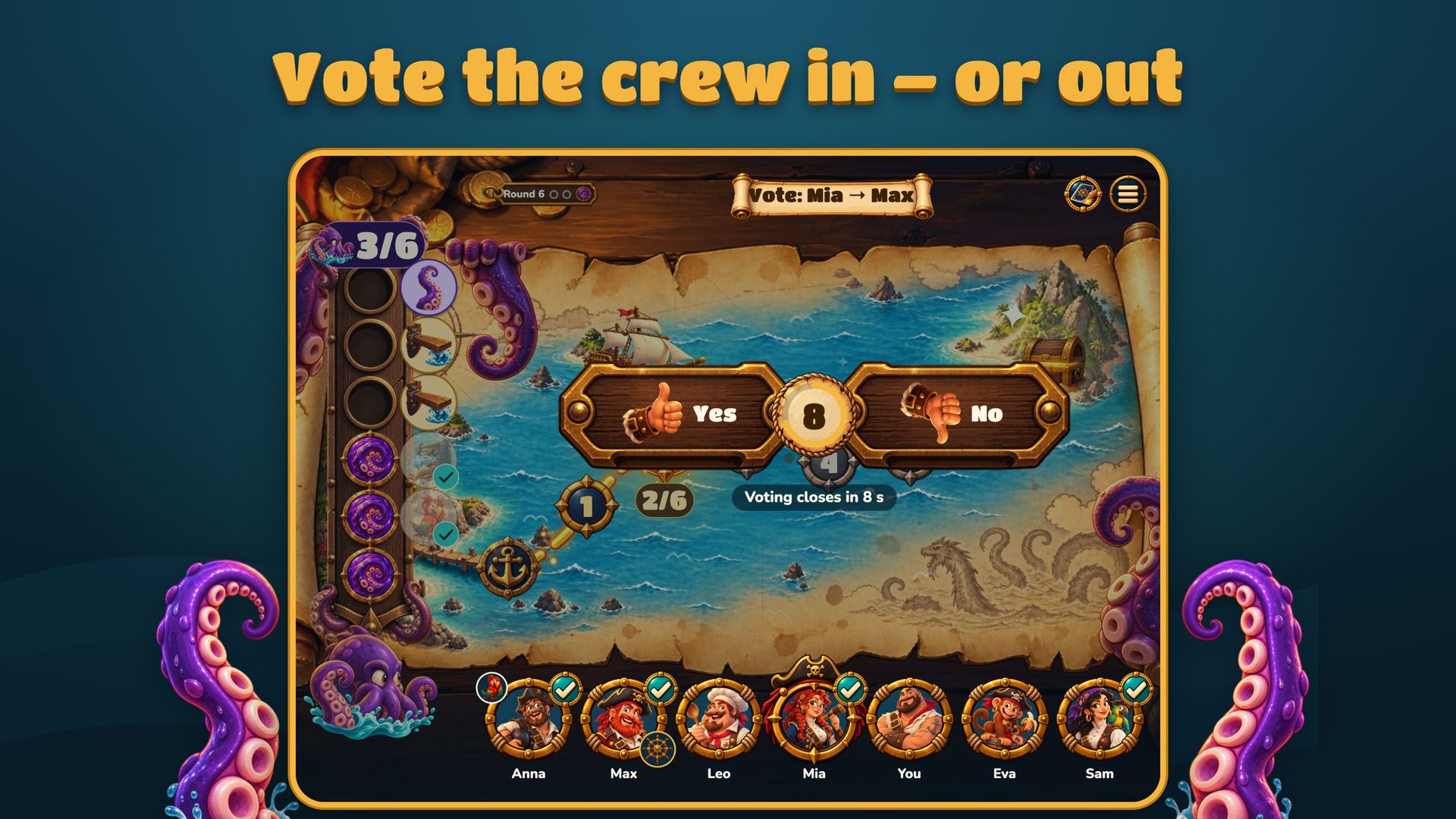 The voteJPG, 1920 × 1080
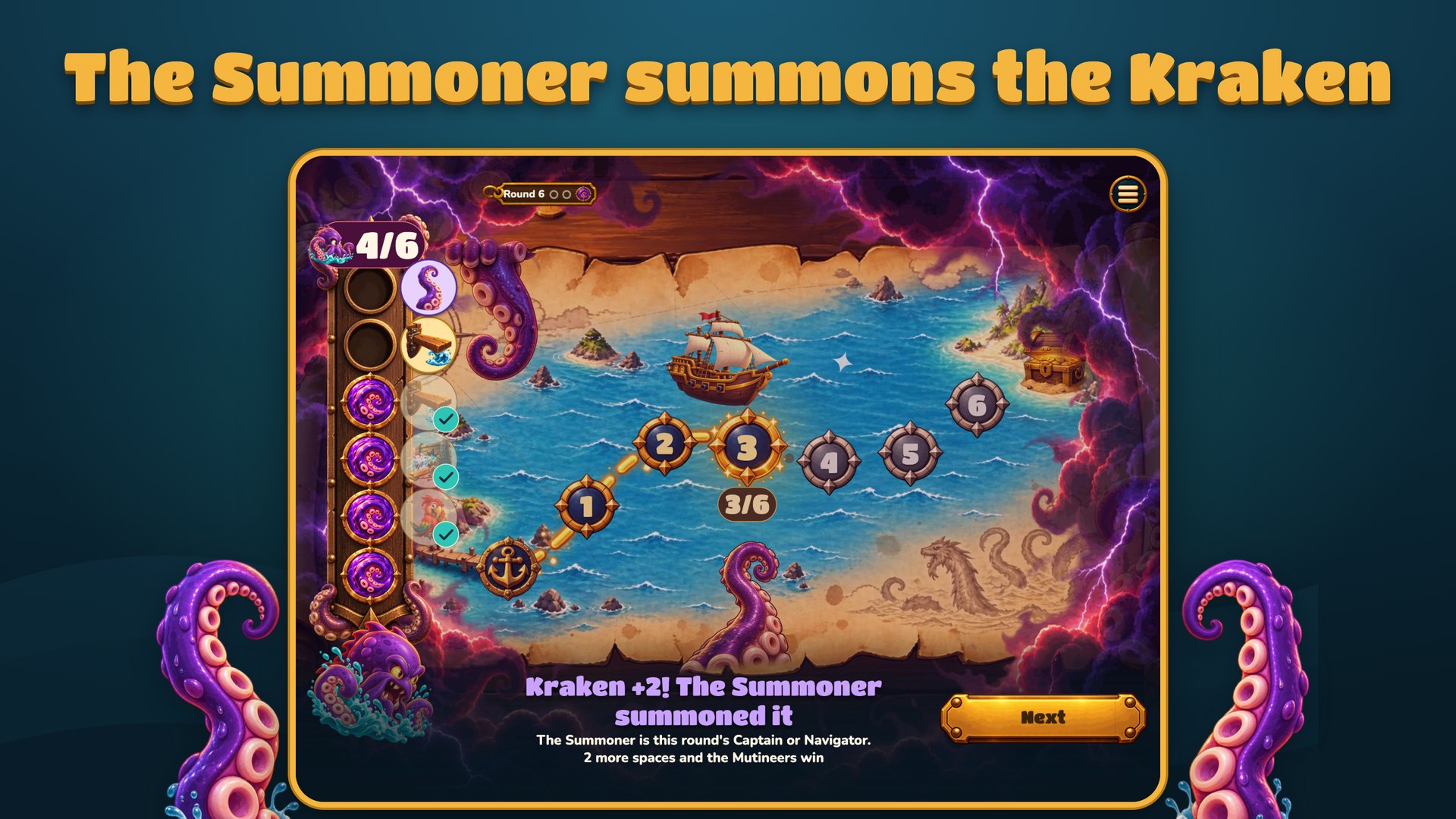 The Kraken summonedJPG, 1920 × 1080
Use them for thumbnails, overlays and posts about the game.
Contact
Something missing, or something broke on stream? Write to support@krakenscrew.com.
 LogoPNG, priehľadné